|
Tools 1
Gotta have a drill of some kind to get started with the next tool, as well as to mount the fan to the side panel
|
|
|
Tools 2
A good jig saw works well to cut large holes, or to cut out a lot of holes. Keep the blades sharp, and a piece of felt will help from scratching your case. |
Step 1
Plan ahead and draw the outline of the hole you wish to cut. Use the outside edge of the fan grille if you plan to use chrome trim to finish out the hole.
|
|
|
|
Step 2
Drill the hole for the jigsaw blade. Be sure to make the hole large enough for the blad to fit thru easily. |
Step 3
Begin cutting out on the inside of your cutout line. Stay to the inside, if you need to you can go back with a metal nibbler to enlarge the hole.
|
|
|
|
Step 4
Take your time with the cutting. You dont want to have to buy a new case because you messed up one panel. |
Step 5
The hole is cut. You may want to go back with a dremel and sanding wheel to clean up the edges and make them safer to handle.
|
|
|
|
CAREFUL!!!
This little cd-sized disc is also very sharp. Do not use it for a miniature frisbee or a coaster. |
Step 6
Place the grille back on the side panel to align and mark the holes to mount the fan and grille to the side panel.
|
|
|

|
Step 7
Drill the holes for the fan and grille. Make sure to use a bit that fits thru the hole in the grille to make for a nice fit. |
|
Finished Product
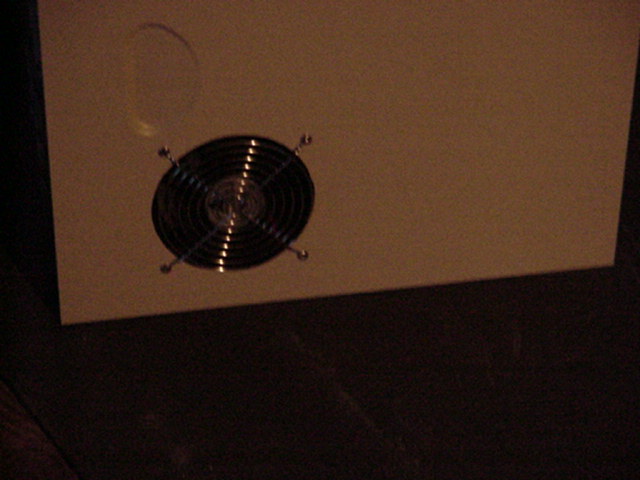
Here we Have the finished product for the fan and side panel. All that is left is to hook up the fan and put the panel back on the case.
|
|


